
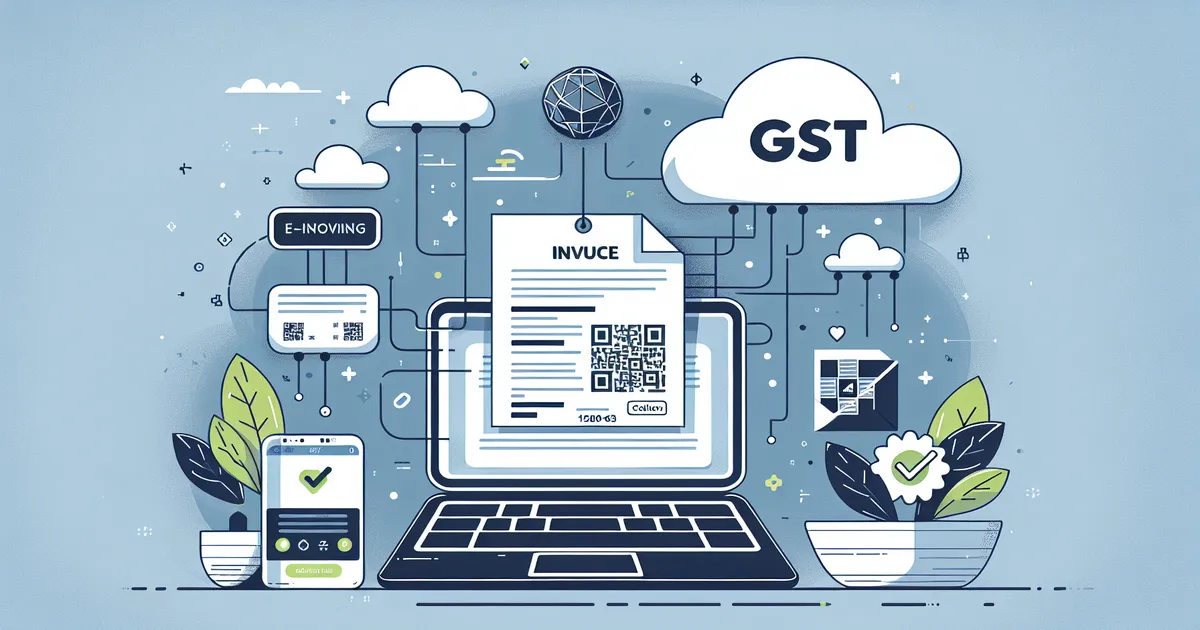
E-invoicing has become one of the most significant compliance requirements under GST in India. Whether you're a small business owner in Mumbai or a chartered accountant managing multiple clients across Maharashtra, understanding e-invoicing is no longer optional — it's essential. This comprehensive e-invoice guide covers everything from applicability and turnover limits to the step-by-step process of generating e-invoices in FY 2025-26.
At Mark IT Solutions, a Tally 5-Star Certified Partner in Mumbai, we've helped hundreds of businesses transition to e-invoicing smoothly. Let's break down what you need to know.
What Is E-Invoicing Under GST?
E-invoicing (electronic invoicing) is a system where B2B invoices are authenticated electronically by the GST Network (GSTN) through the Invoice Registration Portal (IRP). When you generate an e-invoice, the IRP assigns a unique Invoice Reference Number (IRN) and a digitally signed QR code to your invoice.
It's important to understand that e-invoicing doesn't mean generating invoices on a government portal. You still create invoices in your billing software (like Tally Prime) — the system simply reports them to the IRP for validation and authentication.
Key Components of an E-Invoice
- IRN (Invoice Reference Number): A unique 64-character hash assigned to each invoice
- QR Code: Contains key invoice details for quick verification
- Digital Signature: Ensures the invoice hasn't been tampered with
- JSON Format: The standard data format used for IRP communication
E-Invoice Applicability: Who Needs to Generate E-Invoices?
The applicability of e-invoicing depends on your aggregate annual turnover. The government has been progressively lowering the threshold since its introduction in 2020.
Current E-Invoice Turnover Limits (FY 2025-26)
| Turnover Threshold | Applicable From |
|---|---|
| ₹500 Crore+ | 1 October 2020 |
| ₹100 Crore+ | 1 January 2021 |
| ₹50 Crore+ | 1 April 2021 |
| ₹20 Crore+ | 1 April 2022 |
| ₹10 Crore+ | 1 October 2022 |
| ₹5 Crore+ | 1 August 2023 |
Important: The turnover threshold is based on aggregate turnover in any preceding financial year from 2017-18 onwards. If your business exceeded the threshold even once, e-invoicing applies to you going forward.
Not sure if e-invoicing applies to your business? Use our free E-Invoice Eligibility Checker to find out instantly.
Who Is Exempt from E-Invoicing?
- SEZ Units (not SEZ developers)
- Insurance companies and banking companies
- Financial institutions including NBFCs
- Goods Transport Agencies (GTAs)
- Passenger transportation services
- Admission to exhibition of cinematograph films
How to Generate E-Invoices: Step-by-Step Process
Generating e-invoices is straightforward once you understand the workflow. Here's a detailed walkthrough:
Step 1: Register on the E-Invoice Portal
- Visit the E-Invoice Portal (einvoice1.gst.gov.in)
- Click on "Registration" and select "e-Invoice Enablement"
- Enter your GSTIN and verify with OTP
- Complete the registration process
Pro Tip: Validate your GSTIN before registration using our free GSTIN Validator.
Step 2: Configure Your Billing Software
If you're using Tally Prime (which we recommend and support as a certified partner), e-invoicing is built-in:
- Open Gateway of Tally → press F11 (Features)
- Enable GST e-Invoice under Statutory & Taxation
- Enter your Signer credentials
- Configure your API credentials from the IRP portal
Step 3: Generate the Invoice in Your Software
Create your regular sales invoice in Tally Prime with all mandatory fields:
- Supplier and recipient GSTIN
- Invoice number and date
- HSN codes for all items (use our HSN Code Finder if needed)
- Item-wise taxable value and GST rates
- Place of supply and GST state codes
Step 4: Push to IRP for Authentication
- From Tally, select the invoice and click "Generate e-Invoice"
- The software sends the invoice JSON to the IRP
- The IRP validates the data, generates the IRN, and returns the signed invoice
- The QR code and IRN are automatically embedded in your invoice
Step 5: Share the Authenticated Invoice
The e-invoice is now valid and can be shared with your buyer. The IRP also auto-populates your GSTR-1 with the reported invoices, reducing manual data entry.
E-Invoice in Tally Prime: Why It's the Best Choice
As a Tally 5-Star Certified Partner, we've seen firsthand how Tally Prime simplifies e-invoicing for businesses:
- One-Click Generation: Generate e-invoices directly from your sales voucher
- Bulk Generation: Process multiple invoices in a single batch
- Auto-Population: GSTR-1 data is pre-filled from e-invoices
- Error Handling: Clear error messages when IRP rejects an invoice
- Cancel & Amend: Cancel e-invoices within 24 hours directly from Tally
If you need help setting up e-invoicing in Tally Prime, contact our team for expert assistance.
Common E-Invoice Errors and How to Fix Them
Error: "Duplicate IRN"
Cause: An invoice with the same number, date, and GSTIN combination already exists.
Fix: Check if the invoice was already reported. If you need to regenerate, cancel the existing IRN first.
Error: "Invalid GSTIN"
Cause: The buyer or supplier GSTIN is incorrect or inactive.
Fix: Verify the GSTIN using our GSTIN Validator before creating invoices.
Error: "HSN Code Not Found"
Cause: The HSN code used doesn't exist in the master database.
Fix: Look up the correct HSN code using our HSN Code Finder.
Error: "Invoice Date Cannot Be Older Than 30 Days"
Cause: As of November 2023, e-invoices cannot be generated for invoices older than 30 days.
Fix: Ensure timely reporting of all B2B invoices. Read our 30-day e-invoice reporting rule guide.
E-Invoice Penalties for Non-Compliance
- Penalty of ₹10,000 per invoice or 100% of the tax due (whichever is higher) under Section 122 of the CGST Act
- Disallowance of Input Tax Credit (ITC) for the buyer
- The invoice may be treated as an invalid document for GST purposes
- Repeated non-compliance may attract assessment and audit by GST authorities
E-Invoicing Best Practices for Mumbai Businesses
- Maintain accurate master data — Ensure all GSTINs, HSN codes, and addresses are updated
- Generate e-invoices in real-time — Don't batch invoices beyond a day to avoid the 30-day limit
- Use Tally Prime's bulk generation — For high-volume businesses, batch processing saves hours
- Keep API credentials secure — Don't share IRP login details across multiple users
- Reconcile regularly — Match e-invoice data with GSTR-1 and GSTR-2B monthly
- Calculate GST accurately — Use our GST Calculator to verify tax amounts before invoicing
Need help with e-invoicing setup or Tally Prime? Contact Mark IT Solutions — Mumbai's trusted Tally partner. Check your e-invoice eligibility with our free tool, or explore our Tally support services for ongoing compliance assistance.