Quick answer: Before April 1, 2027, change the period in TallyPrime (Alt+F2), decide whether to split company data, verify opening balances and closing stock, set a fresh invoice series for FY 2027-28, and reconcile your last GSTR-1, GSTR-3B, and books before going live.
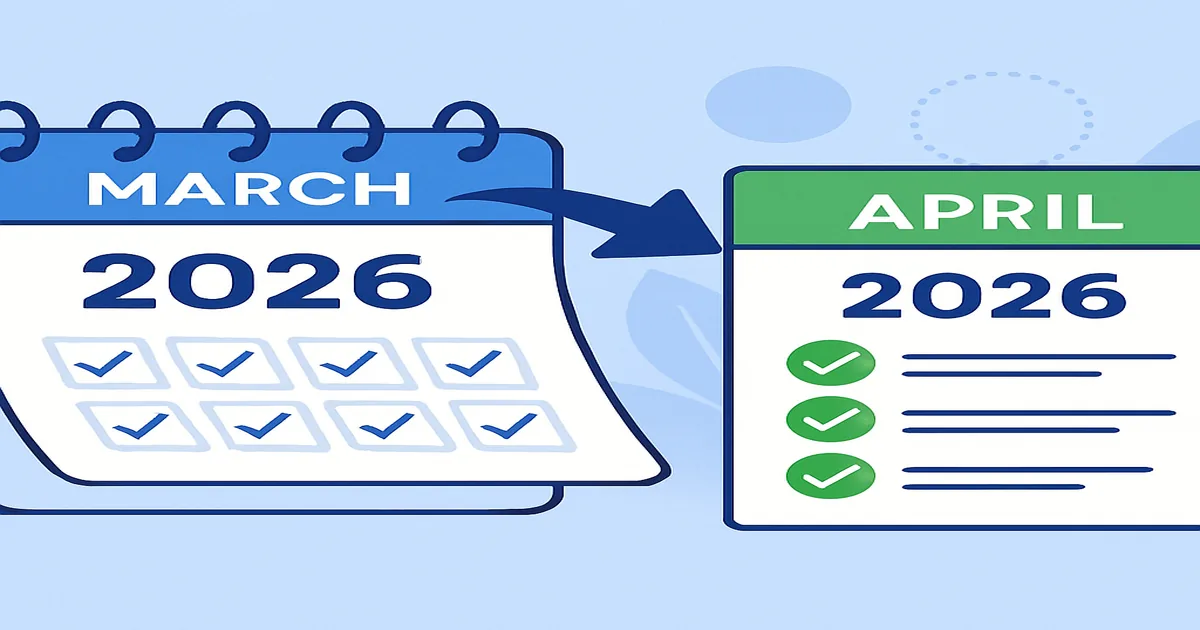
The Indian financial year runs from April 1 to March 31, so every TallyPrime user has to switch from FY 2026-27 to FY 2027-28 at the start of April. The mechanics in TallyPrime look simple — but get one of the steps wrong and you end up with mismatched opening balances, broken e-Way Bill generation, GSTR-1 upload failures, or a year-end audit that won't close. This guide walks through the full year-end transition: pre-close checks, the right way to use Change Period (Alt+F2) versus Split Company Data, GST and TDS year-end entries, invoice numbering for FY 2027-28, and the common errors we see at our Mumbai customers' books every April.
The walkthrough applies to TallyPrime 5.0 through 7.0 — the menu paths are identical. If you are still on Tally.ERP 9, the upgrade path to TallyPrime is covered in our step-by-step upgrade guide.
What "starting a new financial year" actually means in TallyPrime
TallyPrime does not force you to create a new company file every year. The financial year set in Company Features (F11) is the books-beginning-from date — once you cross March 31, the same company simply continues with the new period. The decision you must make is:
- Change Period (Alt+F2) — keep one continuous company file across multiple years. Recommended for most small and mid businesses. Audit Trail, ledgers, and stock summary span every year you've kept.
- Split Company Data — physically separate the data into two files (FY 2026-27 and FY 2027-28). Faster file open/close, but you lose cross-year drill-down. Useful only when the file is large (typically >500 MB) or your auditor specifically asks for it.
If you're not sure, do nothing — keep the same company, change the period, and revisit splitting after a couple of years.
Pre-FY-end checklist (do this in March 2027)
- Post all March 2027 vouchers — sales, purchase, journal, receipts, payments. Nothing pending for April-on.
- Reconcile bank statements through March 31, 2027 using TallyPrime's Bank Reconciliation.
- Run Verify Vouchers (Gateway of Tally > Audit & Compliance > Audit & Analysis > Verification of Vouchers) — finds posting errors that would otherwise carry into FY 2027-28.
- Run Profit & Loss and Balance Sheet as on 31-Mar-2027. Match every closing balance against the books your CA has verified.
- Reconcile GSTR-2B with purchase register for every month of FY 2026-27 — any ITC mismatch must be resolved or notified to your supplier before year-end.
- File pending GST returns (GSTR-1, GSTR-3B, GSTR-9 for the previous year) — pending returns block the GSTR-9 annual filing for FY 2026-27.
- Take a full backup. Gateway of Tally > F3: Cmp Info > Backup. Also push a copy to TallyDrive (TallyPrime 7.0) or to an offline drive.
Step-by-step: changing the period to FY 2027-28 (Alt+F2)
- Open the company file. From the Gateway of Tally, press
Alt+F2. - Set From = 1-4-2027 and To = 31-3-2028.
- Press Enter to accept. The Gateway now shows the new period in the top-right.
- That's it — there is nothing else to change. Last-year's closing becomes opening automatically.
You can swap back to any prior period using the same Alt+F2 shortcut — useful if your CA asks for FY 2025-26 reports during the FY 2027-28 audit.
When (and how) to split company data
Only split when (a) the company file is more than ~500 MB, (b) day-to-day Tally is slow opening this file, or (c) your auditor asks for a separately archived copy of FY 2026-27.
- Take a full backup first. Splitting modifies the original file.
- From the Gateway, F3: Cmp Info > Split Company Data > Select Company.
- Set Split From = 1-4-2027. TallyPrime will create two files: one with data up to 31-3-2027, and one starting 1-4-2027.
- Verify both files open cleanly. Run a Trial Balance in each and confirm the closing of the old equals the opening of the new.
- Update your shortcut/desktop to point to the new (FY 2027-28) file going forward.
Opening balances and closing stock — verify, don't assume
TallyPrime automatically rolls last-year's closing into this-year's opening, but always verify after the first April 2027 voucher:
- Trial Balance on 1-Apr-2027 should equal the Trial Balance on 31-Mar-2027 (debits and credits both).
- Stock Summary on 1-Apr-2027 should match the closing stock report run on 31-Mar-2027 — same quantity, same valuation method.
- If a Cost Centre or voucher type shows an unexpected zero balance, check whether last-year's posting was cancelled or never accepted (F9 Adv check).
GST closing reconciliation (the part most teams skip)
Before locking FY 2026-27 in your books, make sure your books' GST balances match what was actually filed:
- Output GST in books (CGST + SGST + IGST sales) = total tax declared in GSTR-1 for FY 2026-27.
- ITC ledger closing = ITC claimed in GSTR-3B for the year, after reconciling with GSTR-2B month by month.
- Electronic Cash Ledger on the GST portal = the cash balance in your books.
- Reverse any provisional ITC that did not reflect in GSTR-2B within the prescribed window (Section 16(4)).
- If you're under Pure Agent, Composition Scheme, or Reverse Charge, run those specific report views before close.
If you find a mismatch, post the correcting journal in March 2027 — not April. That keeps GSTR-9 for FY 2026-27 clean.
TDS, TCS, and other year-end entries
- Reconcile TDS deducted in books with Form 26AS (login at incometax.gov.in). Any 26AS entry not in your books = missed credit; book it.
- Reconcile TCS collected with your TCS returns (Form 27EQ).
- Pass year-end provision entries: outstanding expenses, prepaid expenses, depreciation, audit fee provision.
- If you're a partnership/LLP/company, the year-end profit transfer to capital/reserves goes here too.
Audit Trail (Edit Log) — preserve everything
From April 1, 2023 the Companies Act requires every company that books transactions in accounting software to keep a tamper-proof audit trail. In TallyPrime, this is the Edit Log feature. Before crossing into FY 2027-28:
- Confirm Edit Log is enabled in F11 (Companies Act 2013 settings).
- Do not disable Edit Log mid-year — it breaks the audit trail and exposes you to disclosure under section 143(3)(b).
- If you split the company data, make sure the FY 2026-27 archive retains the full edit log for ~8 years (statutory record retention).
New invoice numbering for FY 2027-28
Rule 46(b) of the CGST Rules requires unique invoice numbers per financial year. The full TallyPrime setup is covered in our new invoice series setup guide — apply the same playbook with /27-28/ as the prefix:
- Gateway of Tally > Voucher Type > Alter > Sales > Numbering = Automatic; Current Year Prefix =
/27-28/; Starting Number = 1. - Repeat for Purchase, Credit Note, Debit Note, Sales Return.
- If you use multiple branches/series, repeat per voucher class with branch-coded prefixes (e.g.
INV/MUM/27-28/). - Generate one test invoice, one test e-invoice, and one test e-Way Bill before April 1 — IRP rejects invoice numbers starting with 0, slash, or hyphen.
Common FY-transition errors and how to fix them
- Opening balance shows 0 for a ledger. Usually a voucher in March 2027 was created but not accepted. Drill to the daybook for 31-Mar-2027 and accept the entry.
- GST input tax credit is wrong on 1-Apr. A purchase voucher was posted without GST analysis filled in. Edit the voucher (F9 Adv), re-tag the tax, save.
- Stock valuation differs between 31-Mar and 1-Apr. Check whether the valuation method (FIFO, Weighted Average, etc.) is the same in both periods. Avg-Wt is sensitive to mid-year cost changes.
- E-invoice rejected on first invoice of new year. Invoice number contains
0,/, or-as the first character. Move them; IRP acceptsINV/27-28/0001but not/INV/27-28/0001. - Bank reconciliation balance differs after period change. Outstanding cheques cross the cut-off; reconcile them in the new period via Banking > BRS.
- Multi-user data appears different to different users. One user is still on the old period — they have to press Alt+F2 too. Centralised period control is in Tally Server only.
April 1, 2027 readiness checklist
- 1. All March 2027 vouchers posted and accepted
- 2. Bank, GST, TDS, TCS reconciliations complete
- 3. Full backup taken (local + TallyDrive)
- 4. Profit & Loss + Balance Sheet on 31-Mar-2027 matched against books
- 5. Period changed to 1-4-2027 → 31-3-2028 via Alt+F2 (or company split if needed)
- 6. New invoice series
/27-28/live and tested across Sales, Purchase, Credit Note, Debit Note - 7. One test e-invoice + one test e-Way Bill generated successfully
- 8. Edit Log on (F11 Companies Act settings)
- 9. Trial Balance on 1-Apr matches Trial Balance on 31-Mar
- 10. Sales and accounts teams informed about new invoice format
Need help with your FY 2027-28 transition? Mark IT Solutions is a 5-star certified Tally partner serving Mumbai and Western India. We handle period changes, company data splits, GST closing reconciliations, and end-to-end TallyPrime year-end audits. Contact us for a year-end consultation, or subscribe to AMC for ongoing year-end support.